Dex Language Camera Review: Help Teach Kids a New Language
If you are searching for a great tool to immerse your children in learning a new language and want to learn more about the Dex language camera for kids, then you are in the right place. This Dex camera review shares all about the features, pros and cons, ease of use, and more for the super unique kids’ language discovery camera.
The Dex language discovery camera is a great tool for both mono and bilingual families. It is perfect for use in schools, at home, homeschool programs, for early childhood teachers, ELL teachers, and more. It is a super cool language teaching camera tool that is meant and built for kids, and allows learning a new language through play and exploration.
As a busy Mom of four kids with a degree in early childhood education as well as a previous Kindergarten teacher, we have and are loving using the Dex language camera. They say the best time to teach children a new language is when they are young, so we are super excited to use this cool tool to help our children explore the world around them in Spanish (or any other language you prefer).
There are tons of ways to use and play with the Dex camera and many cool features on it. Head down for more information and a complete and honest review of the Dex language discovery camera.
This is a paid collaboration with the brand. I received monetary compensation as well as a complimentary product in exchange for my review. As always, all opinions are my own and based on my honest experience.
What is the Dex Language Discovery Camera?
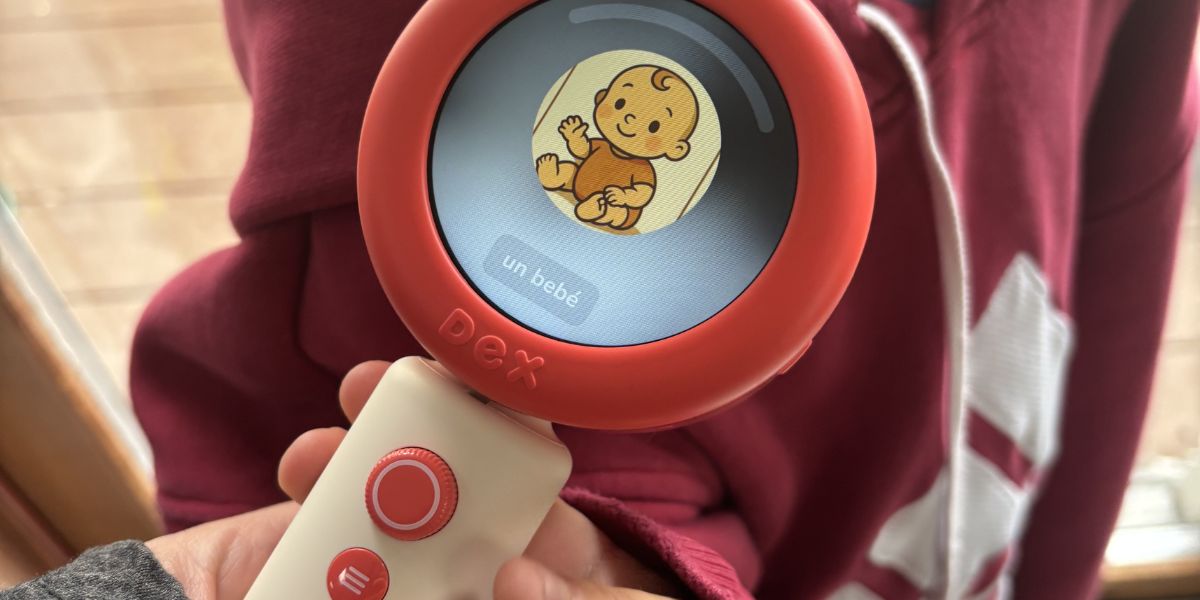
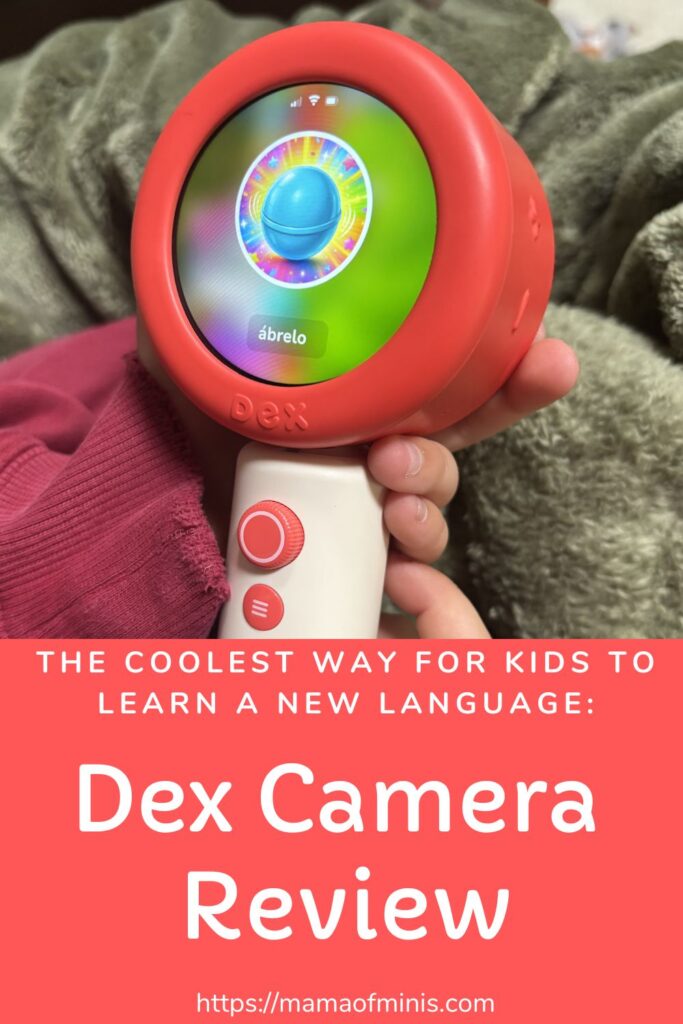
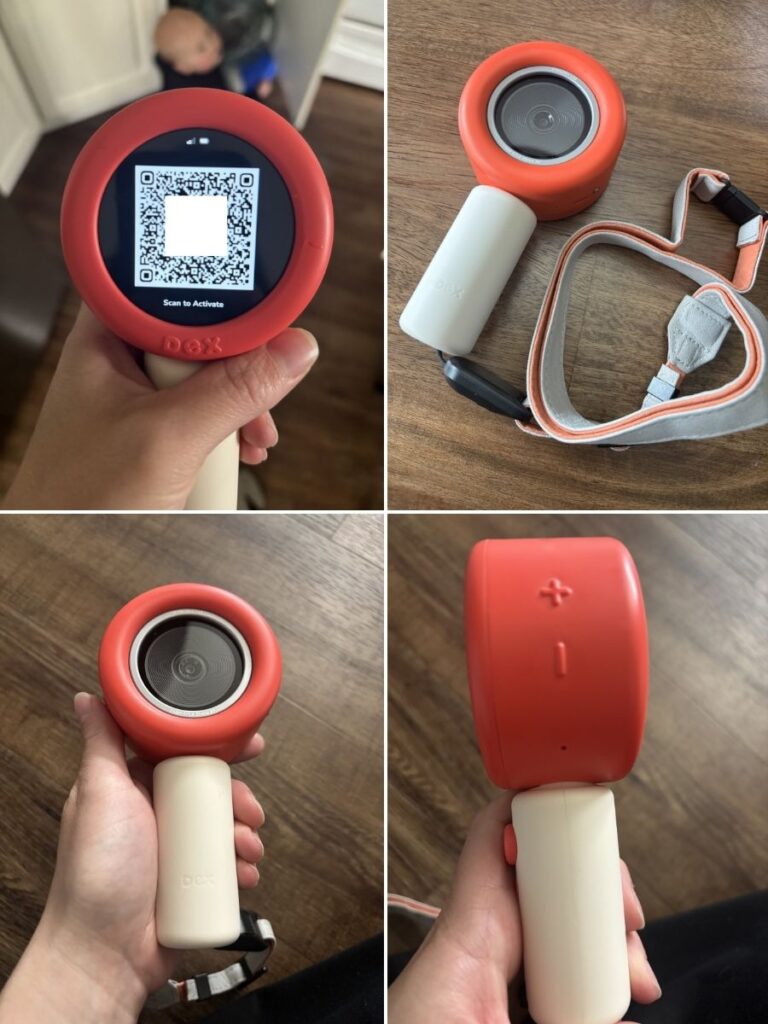
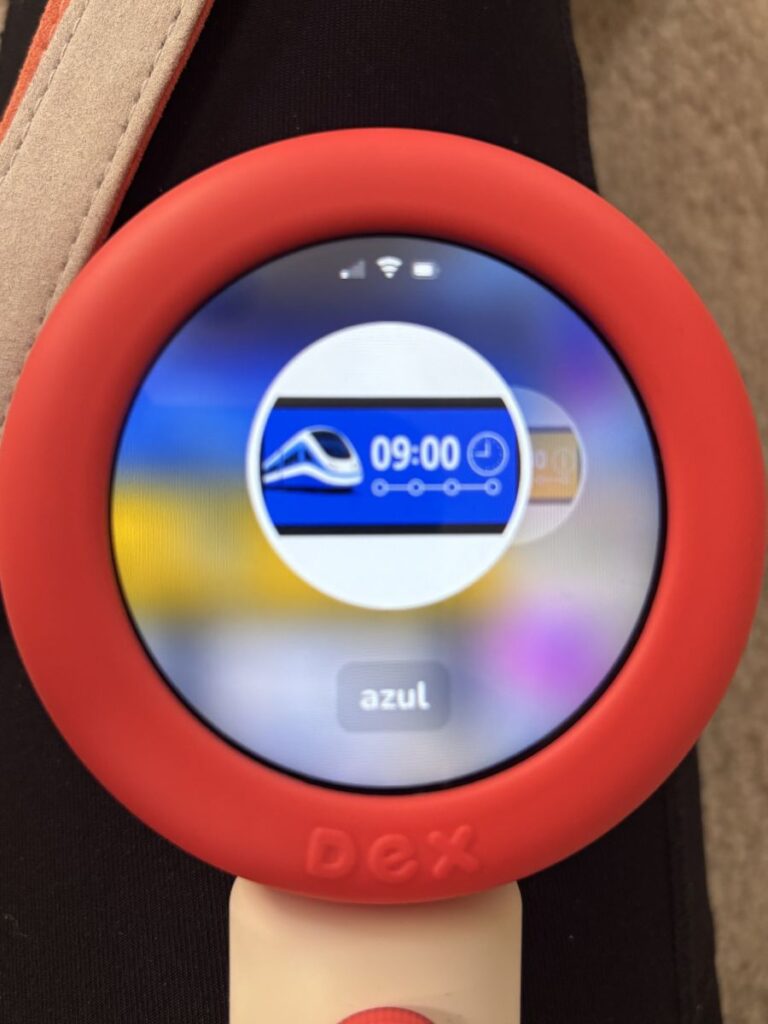
The Dex camera is a language learning tool made for kids. It is a small piece of technology that is slightly bigger than a microscope but built to look like one. It has a handle for kids to hold onto, a camera on one side, and a bright and colorful touch screen on the other side.
It connects to a phone via Bluetooth and the DEX app, and allows parents to help control what they would like their child to learn and work on. It is super well-built and very sturdy for little hands. Kids use the microscope as a tool to play language learning games on, take pictures of items to learn their names in different languages, and complete the language learning tasks that the microscope gives them.
It comes with a string to wear around their neck so they don’t drop and break it easily. The Dex camera has volume controls on the side, a power button, and a touch screen with controls like brightness and more. It is easy to swipe and control on the touch screen, and kids will easily understand how it works.
In addition to the camera, you can add one of three learning plans to it. A free version, which is the one we have and use, a voyager plan for $9.99/month, or a pioneer plan for $19.99/month. The free version is great and allows for unlimited camera usage as well as a starter activity pack. The Voyager plan adds global connectivity and daily activities, and the Pioneer plan adds additional and custom activities to go with your child’s interests as well as allows you to create customized stories for your children.
We have children ages 4, 6, and 8, and all three of them are able to understand and use it easily. Our 6 and 8-year-olds especially love using it around the home, taking pictures with it, and following the daily prompts it gives them.
Our Dex camera is currently set up for our children to learn Spanish, as this is the language we would love them to be exposed to more. Their school currently has a dual language program, and many of the students there speak Spanish, so they are excited to be able to learn and communicate more with them after using the Dex camera.
Is The Dex Camera Worth It?
The Dex camera is a big investment, but if you want your children to learn a new language in a fun and exciting way, then it is a great resource and worth the money if you are willing to spend it. It is also an awesome tool to use and bring along if you are a family that travels to new places often.
The Dex camera is a super unique tool, and there aren’t a lot of other tools available out there like it. There are language learning phone apps, tutors, classes in school, and more. But this is a tool that is specifically directed towards kids, takes brain development and engagement into account, and has tons of cool hands-on features.
It has things like a camera that can snap photos of the world around them and turn them into a language discovery tool, games for kids to play using the camera, controls for parents, keeps track of the content and time that the kids are learning, and more.
It is super unique and so fun for kids. It is a great tool for learning a language, not only around the home or a school classroom, but can also be brought on international vacations and used to translate items in the native languages in other cities or countries as well.
Dex Camera Features
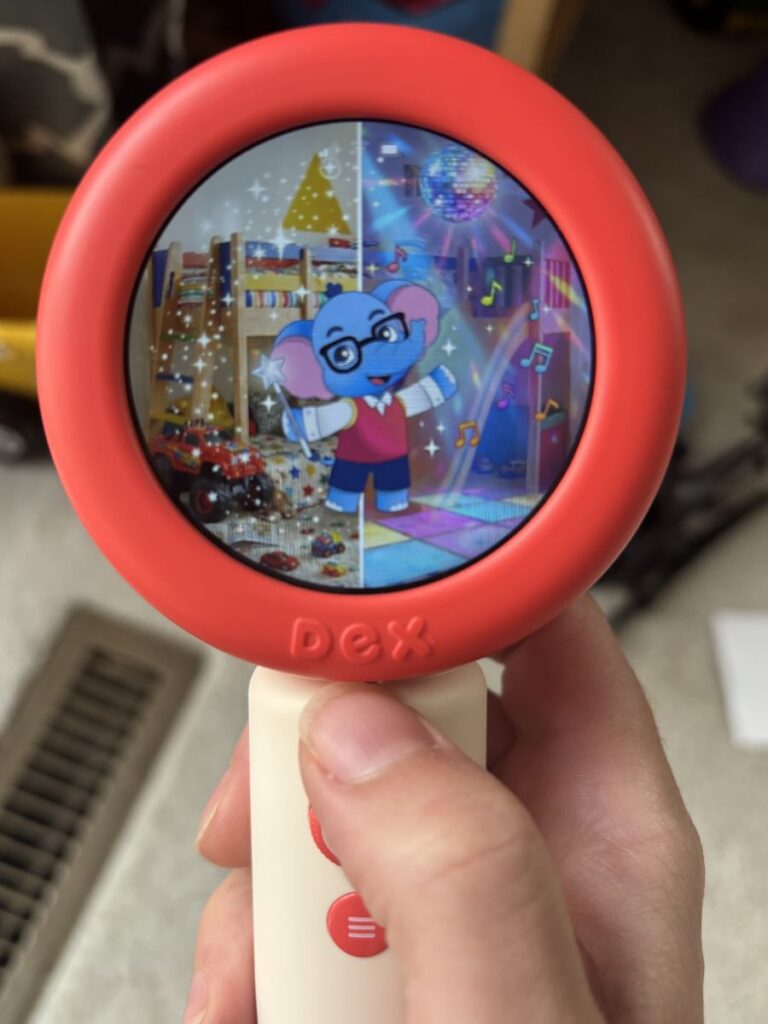
The Dex Camera is a language discovery technology tool that looks like a large version of a microscope. It has a loop and a leather strap to hang around your child’s neck while they are using it. It has a camera on one side and a touch screen on the other.
It comes in both red and yellow colors. It includes a power button and volume buttons on the outside of the camera, as well as a dial and menu button on the handle. The Dex camera is marketed as a tool for children ages 3 to 8 years old, but I could see children slightly older liking it too.
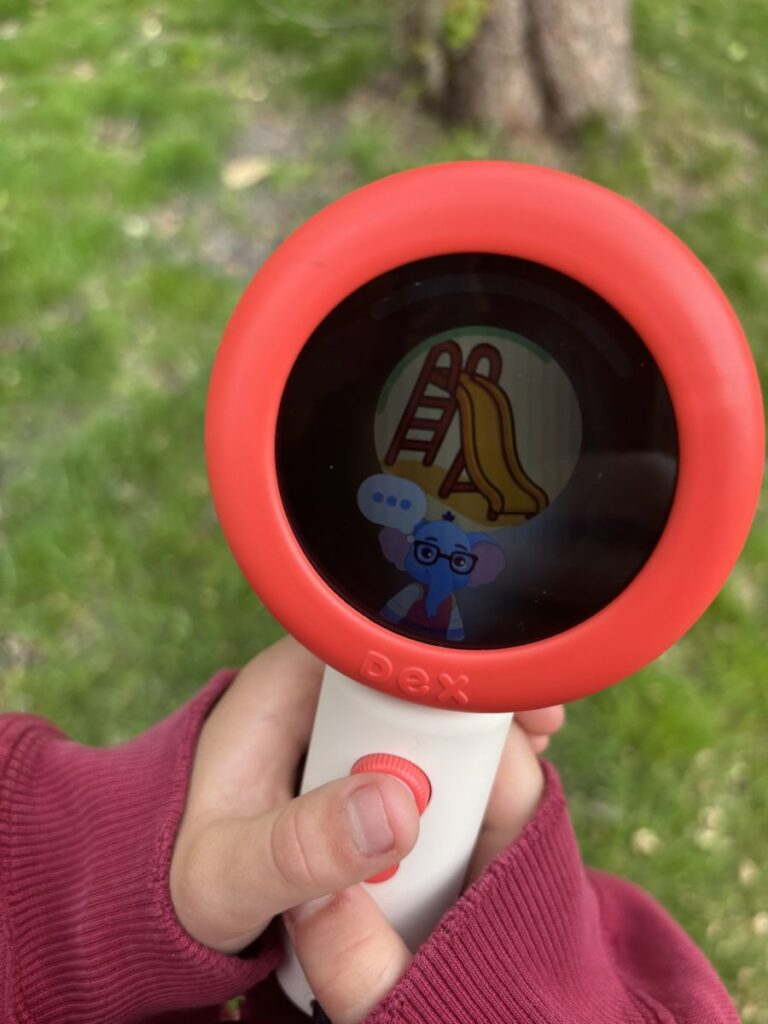
It comes with the language discovery program built into the camera and has a few cute main characters named Ollie and Mimi that walk your child through language learning prompts, as well as a few other cute characters.
The Dex camera comes with the option to learn 16 different languages and over 30 different dialects. We keep ours set to Spanish currently, but it is an easy switch using the parent app to learn a different language.
It has a large battery life and can keep a charge for several hours, has up to 64 GB of storage space, and comes with a USB-C charging cord (you will need a wall brick to connect the USB-C cord to the wall if you do not have one).
It comes with a free starter pack with more then 10 fun activities and unlimited camera use, and there are additional plans that add wi-fi connectivity anywhere you go, as well as additional activities and activities tailored to your children’s interests.
It has clear speakers and both great audio and pictures on the touch screen. The touch screen is easy to swipe left and right with and push to choose on-screen options.
Some of the fun games available for kids to try include using the camera, going on a scavenger hunt to find objects, learning flashcards, and aquarium find, fun fact factory, restoring the color games, science show games, and more.
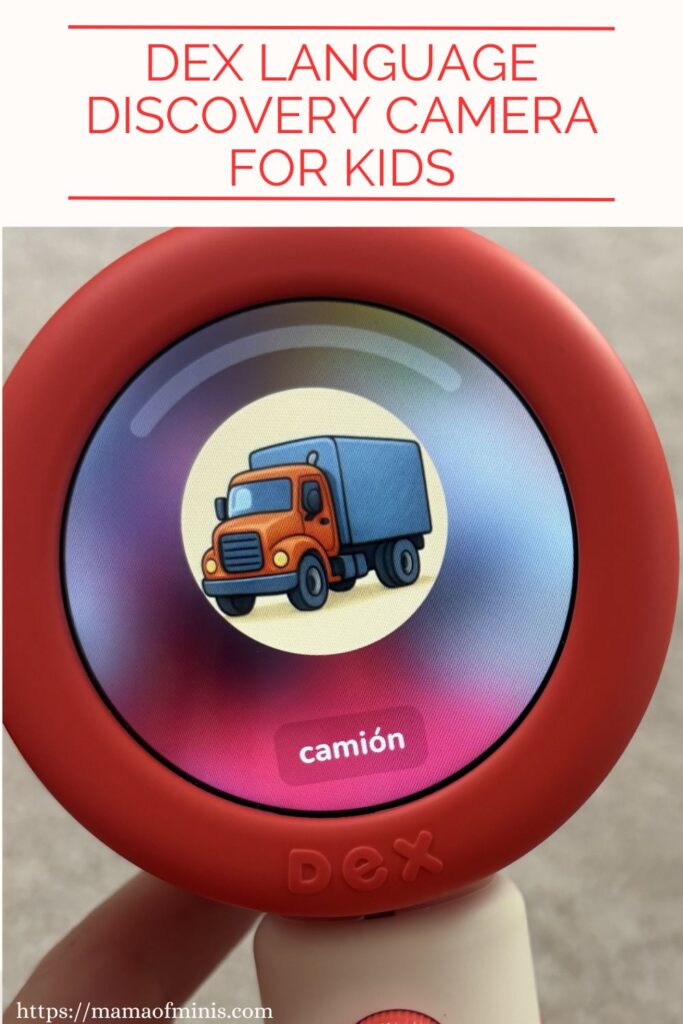
Not only can you take a picture and it will tell you the word in another language, but some of the game and activity options will challenge your child to find objects of different colors, different shapes, and more. So not only are they learning new language skills, but they are working on learning math and literacy concepts and real-life application concepts with it.
The Dex camera typically retails for $249 on their website. You can check it out here.
How to Set Up Your Dex Camera
Setting up the Dex camera is super simple. All you need to do is make sure it is charged and turn it on. It comes with directions to install the app and connect it with the Bluetooth on your phone.
Then it will ask questions like your child’s age, birth month, and interests, as well as the language you want to work on, so it can tailor the activities to your child. Start to finish, it takes about 10 minutes to get things set up and ready, and then your child can start playing and learning right away.
Dex Camera Pros & Cons
Pros
- Language discovery in an interactive way
- Encourages learning colors, shapes, and more in multiple languages
- Learn 16 languages in 30+ dialects
- Built-in connectivity
- Perfect for families with children ages 3-8
- Great for homeschool families, bilingual families, families that love to travel, school teachers, kids who love to explore, and more.
- Bright and colorful, easy-to-navigate touchscreen
- Kids camera and speakers built in
- Fun microscope type style fits in children’s hands
- Neck strap to prevent drops
- Comes in two colors
- Several hours of battery life
- 64 GB storage
- Connected parent app allows for parent controls
- Great quality
- Awesome customer service
- Tons of fun language learning games and activities with fun characters
- Paid options to customize children’s activities
Cons
- Slightly higher price point
- Free plan comes with 10+ language discovery activities and unlimited camera usage – additional activities are an extra paid plan
- Best suited for younger children – Older children may outgrow some of the characters and activities
- Requires charging after several hours of use
Dex Camera Tips for Use
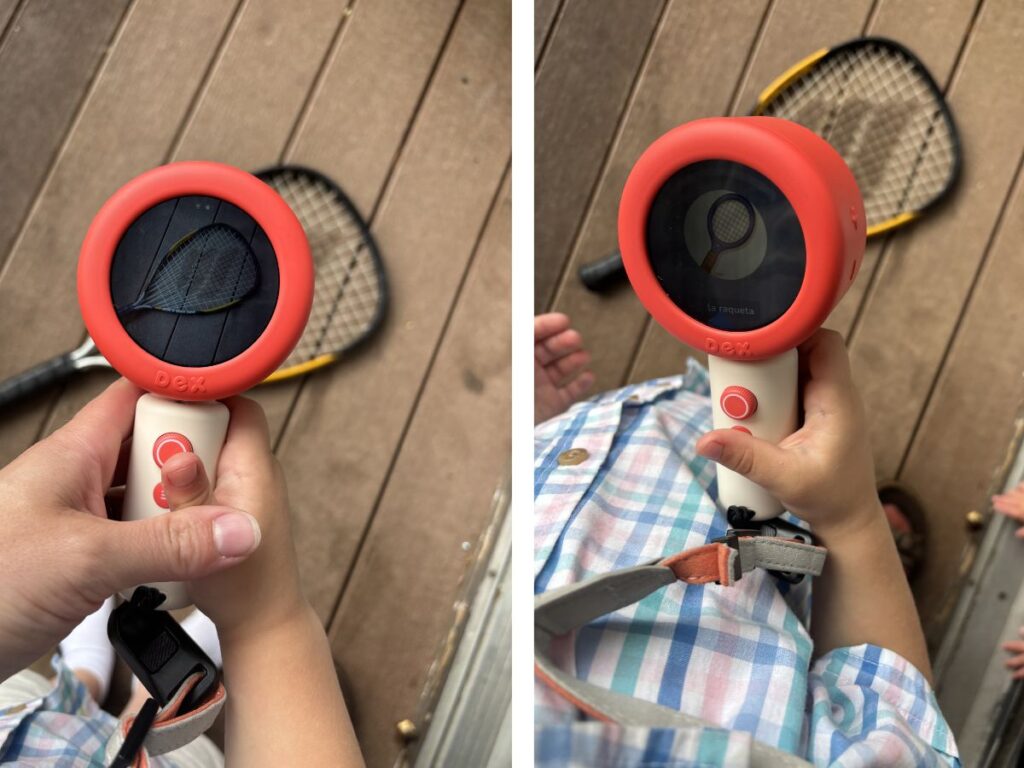
- Start by using the camera feature to get your child familiar with the camera. Have your child point the camera at their favorite objects around the house and take a picture of it to learn language skills in an interactive way.
- Once you’ve explored many objects in the home, you can use the camera outside (within range of wi-fi) in your yard. We’ve taken photos of plants, trees, bugs, you name it.
- You can also use the camera with books or images. Point it at a book image or photo and see what it will come up with.
- You can also take the camera to different places that might have wi-fi access with the free version and try it there. The grocery store, an airport, a restaurant, a coffee shop, etc…With the paid plans, you can take it to so many more places, like the local parks, a sibling’s sports practice, the beach (just watch out for water), car rides and more.
- The Dex camera is an awesome tool for real life learning and situations. Bring it to a restaurant and scan the menu with it, bring it to the airport and scan the planes, chairs, etc…
- After explaining the camera and how it works, you can let your children explore independently. The camera is built for kids, so it uses kid-friendly language and is super easy for them to understand and navigate on their own.
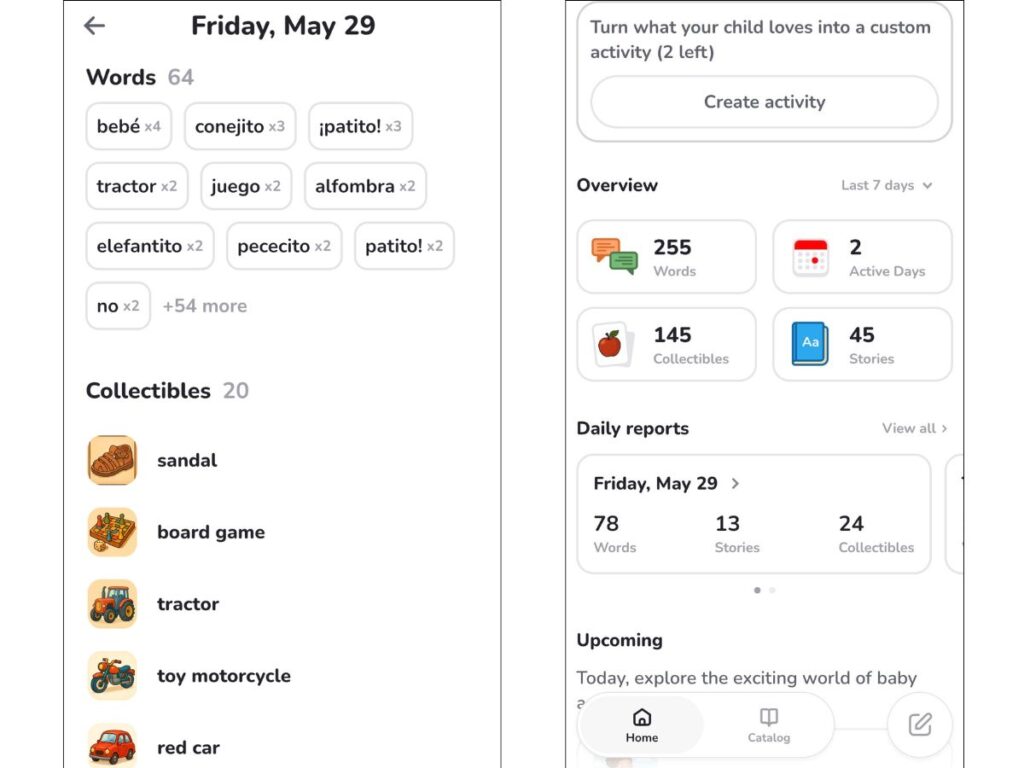
- Use the parent app to customize your child’s learning, assign activities, and see the things that they’ve worked on or learned already. It is a great tool for parents to utilize, and there are lots of things to see on the app.
- Be sure to attach the included neck strap so that if your child drops it, it stays off the ground and doesn’t break.
- Be sure to have your child turn it off after use and charge the battery every day or two, depending on how much you use it. Then it will always be used and ready to go when they need it.

Dex Camera Free Plan VS. Paid Plans
While you do not need a subscription, as there is a free plan for the Dex camera, there are some extra features and activities that come with a monthly paid plan.
We currently use the free plan and feel that there are a lot of options and activities to keep our kids busy with it. There are more than 10 free activities as well as unlimited camera use. This is enough for our kids, ages 4 and 6. I feel that our older 8 year old, especially, would like more activities and would benefit from one of the other monthly plans.
The free plan includes unlimited camera usage, which allows you to snap photos and it uses AI technology to help learn the names of things in a new language. It also includes a starter activity pack with things like aquarium learning, fun characters, animal learning, color learning and more. The free plan includes wi-fi connectivity at home or anywhere where wi-fi access is available.
The Voyager plan is the next step up, which costs 9.99/month currently. It has all the same plans as the Free plan but also includes global connectivity so you can use your Dex camera anywhere you go, like the car, parks, friends house, and more. It also includes new daily activities so you never run out of activities to do.
The last and most expensive plan is the Pioneer plan, which is $19.99/month and includes everything in both the free plan and Voyager plans, plus custom activities that are tailored to your child’s interests and wants/needs. It also has an activity catalog where you can scroll through all of the activities and see what has been completed/view previous activities.
The Pioneer plan also has an awesome feature where you can set specific locations and kids can complete tasks based on these locations. For example, you could choose a grocery store, and they could go on a scavenger hunt and find different objects around the grocery store. The Dex camera will generate tasks based on these locations and scenarios.
In my opinion, you should start with the free plan and see if it is a good option for you, and if you find yourself or your child wanting more activities and options for learning, you can always upgrade to one of the paid plans as you go. There are a lot of cool features on the paid plans and you may find your child wants more as they go along.
Who is the Dex Camera Best For?
- Homeschool Families
- Families that Travel a Lot
- Teachers and Schools
- Bilingual Families
- Families with Exchange Students
- Kids ages 3-8
- Parents Looking for Fun Educational Activities
What Is Included With the Dex Camera?
- Language Discovery Camera
- USB-C Cord
- Neck Strap
- Instructions
- Parent App Controls
- Activity Pack with More Than 10 Included Activities
Dex Camera Review: Final Thoughts and Opinions
Overall, we are loving our Dex camera so far. It is a great way for kids to learn a new language in an engaging, hands-on way. It allows children to explore the world around them, complete language discovery activities, and independently navigate a kid-friendly device.
It is durable and well made with kids in mind, has an easy for kids to navigate screen with bright colors and fun characters, lots of activities to choose from (and more with optional monthly plans), and a matching parent app to check progress and skills learned.
Our kids love playing with the Dex camera. They are excited to play with it (and all fight over who gets to hold it while using it), get excited to share the new words they’ve learned, and love bringing it around the home and taking pictures with it. It has been a great fit for our 4- and 6-year-olds, and even our 8-year-old still enjoys the games, activities, and storylines.
While the Dex camera is definitely at a higher price point, in our opinion, it is a great resource if you are looking for an interactive way to introduce language learning to your children. We would highly recommend it if you are a family that loves to travel, a bilingual family, a homeschool family, and more.
You can learn more and purchase your Dex camera on their site here. You can use the code 10Rachael for 10% off your Dex Language Discovery camera!
To see our Dex Camera in use, check it out here.
For more fun kids’ product reviews, be sure to also check out this Beaverbot review. It makes a great tool for creative kids who love inventing, crafting, and more.