Beaverbot Review: Kid Safe Cardboard Cutter for Crafting
If you are in search of a fun cardboard crafting tool that is safe for kids, encourages creativity, and makes super cool projects, then you’ve come to the right place. This thorough Beaverbot review tells all about the features, pros and cons, use, and more for the popular Beaverbot cardboard cutting kid’s saw.
The Beaverbot is the perfect tool for homeschooling families, art teachers, early childhood teachers, parents who have crafty kids (like us!), and more. It is a power tool cardboard saw that is meant for kids, is completely safe, and easy for even the youngest kids to use and have fun with.
As a busy Mom of four kids and a previous early childhood educator, we have and love our Beaverbot C2 cardboard saw. It makes a great rainy day activity for kids, allows us to make more unique crafts (we love crafting!), and encourages my children to use their creativity.
There are so many ways to use the Beaverbot and fun things that can be made with it. Head down for more information and a complete, honest review of the Beaverbot cutting tool.
*This product was gifted to me at no cost by the brand. All opinions are my own, and I only share products I genuinely use and love. This post may also contain affiliate links, which means I may earn a small commission at no additional cost to you. *Most of the information in this post is specific to the C2 Beaverbot machine. We have and own the C2 cutter (nicknamed Vivy on their site). You will see the original C1 mentioned at times, but can only truly speak to the C2 cutter.
What is the Beaverbot?
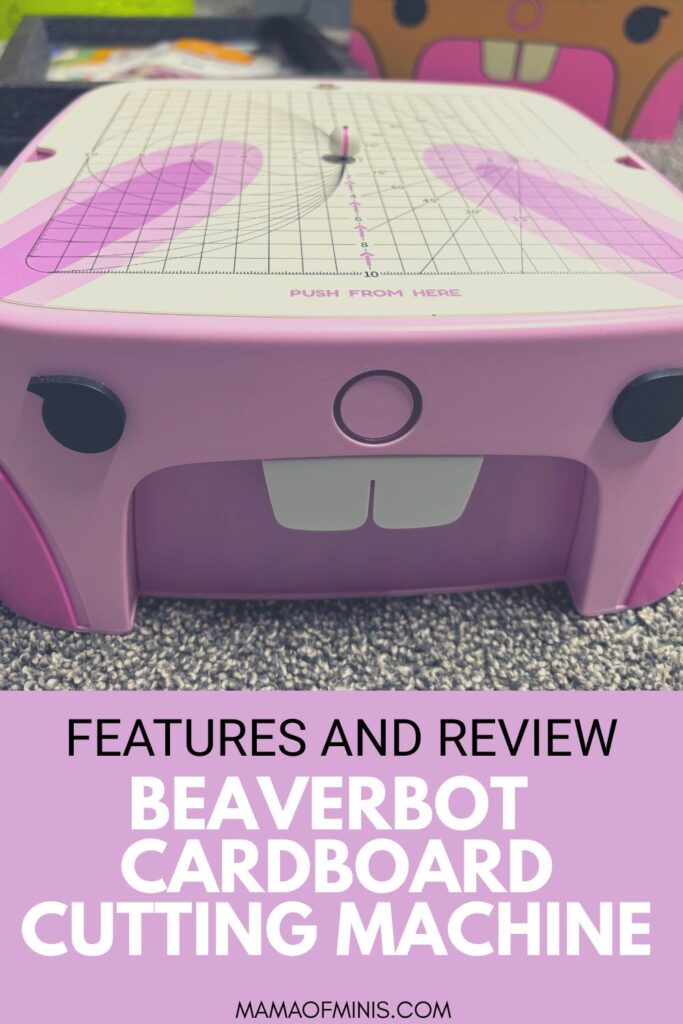
The Beaverbot is a cardboard cutter machine that is made for kids. It works almost like a bandsaw for kids and cuts through cardboard, construction paper, computer paper, cotton fabric, thin leather, and more. The material to cut should be 3mm or smaller.
You simply plug in and turn on the Beaverbot machine, and then feed the cardboard through the cutting saw area. Cut along the creases, lines, etc…The garbage from cutting goes right into a neat little drawer under the machine, and the cut on the cardboard is nice and smooth. Kids can then cut out and create all sorts of fun cardboard and paper crafts.
The Beaver bot saw is made in a way that the blade is completely covered and safe for kids of all ages to use. They come in a few different color options, and the cute design looks like a beaver, giving it its name.
Is the Beaverbot worth it?
The Beaverbot is an awesome tool and perfect for crafting and creativity. If you have the money to spend, our children have enjoyed it for long periods of time, and we love that it encourages screen-free play and using their brains.
However, it is a pretty pricey investment, so in our opinion, it is worth it if you have children who enjoy crafting and creating things. It would also be worth it and an awesome option for a school or homeschool family looking for another art class option.
If you have kids who aren’t super into projects and crafting, it would definitely be a splurge that you have to decide if you want to make. You may want to skip it and go for something that they are more interested in.
As a parent, I love our Beaverbot and use it along with the kids to make fun projects. Our children ages three, five, and seven, all love using it independently too (the 7 year old makes some pretty awesome creations).
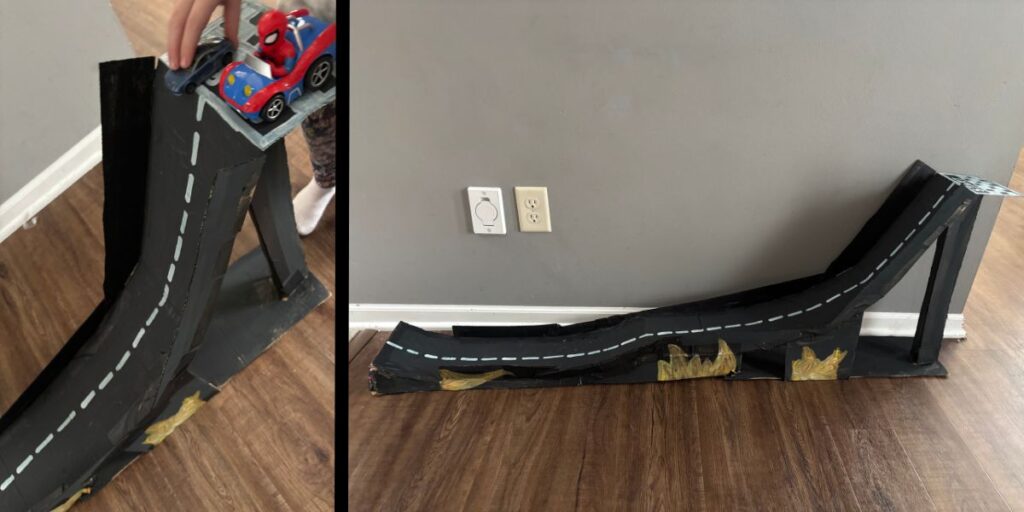
We have made a car ramp for our three-year-old, and it would be awesome for making a Gingerbread house at Christmas time, a castle for pretend play, and more. Along with being a great screen-free activity for kids, there are tons of things you can make as a parent that your children can then play with and use. We also find it super therapeutic to use it as it makes a loud humming noise and is fun to follow along the lines.
Beaverbot Features
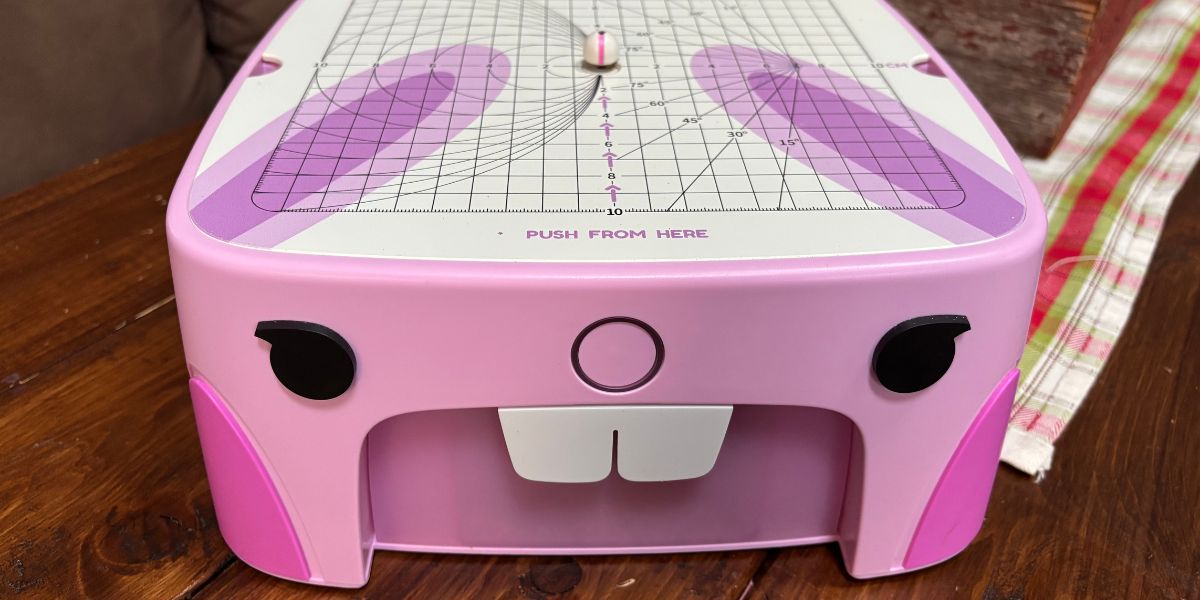
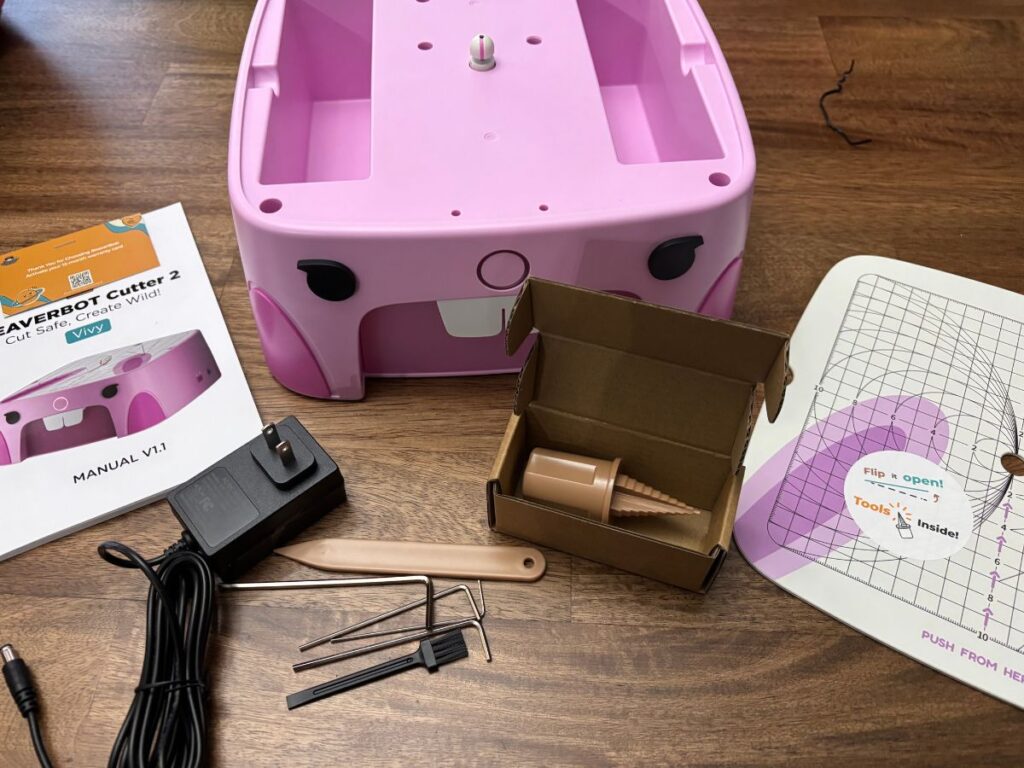
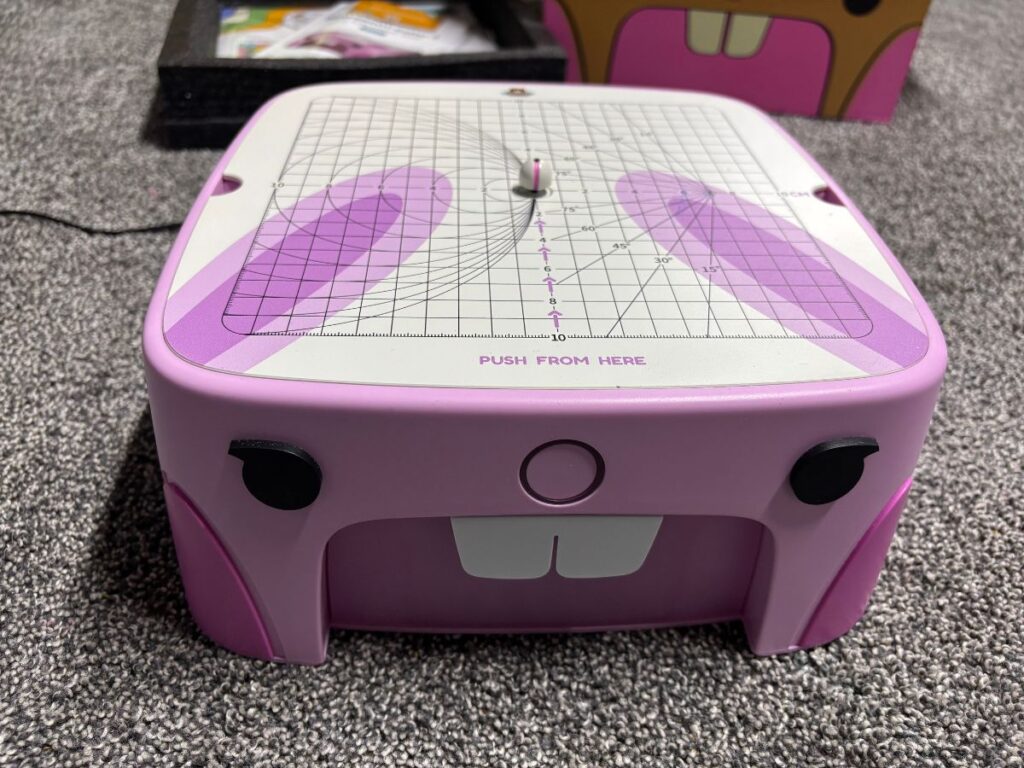
The Beaver bot is a square shaped cardboard cutting machine that looks like a beaver. The sides of the beaverbox are made with a durable acrylic, while the cutting board that you can take off and store things underneath is made of acrylic (Beaverbot C1) or aluminum (Beaverbot C2) material.
There are two main options for Beaverbots. They have their original version and their newer C2 version. The newer version is an improvement on some of the features from the C1 version. The C1 comes in a brown beaver style, while the C2 comes in a pink beaver style and a green dinosaur style.
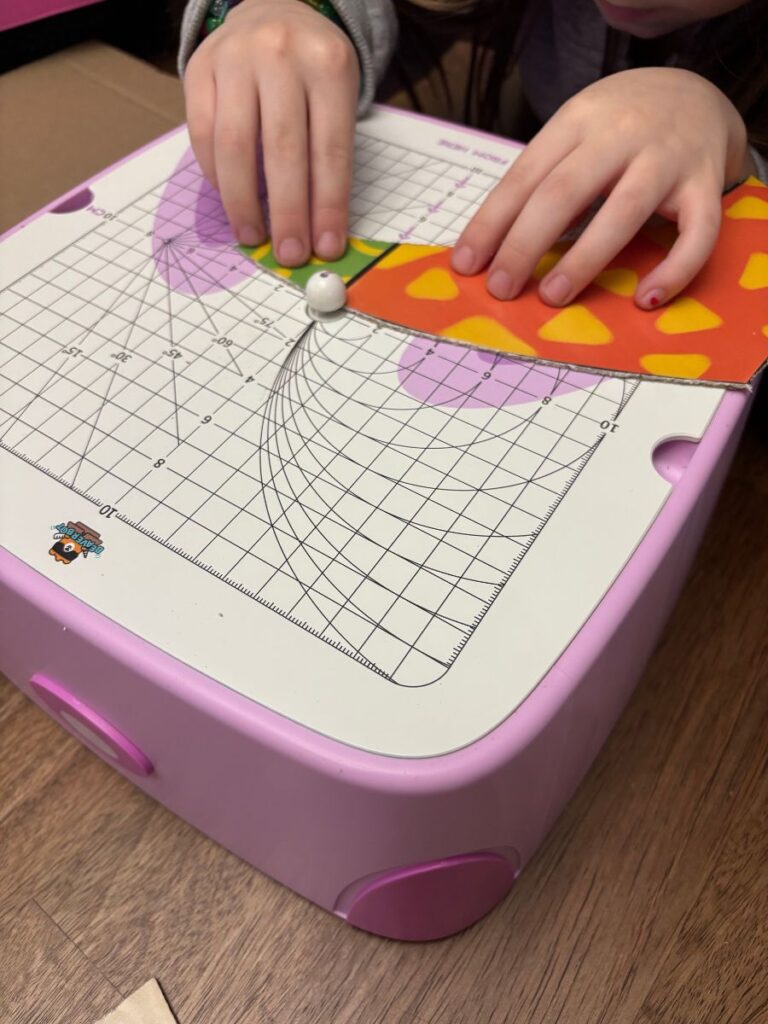
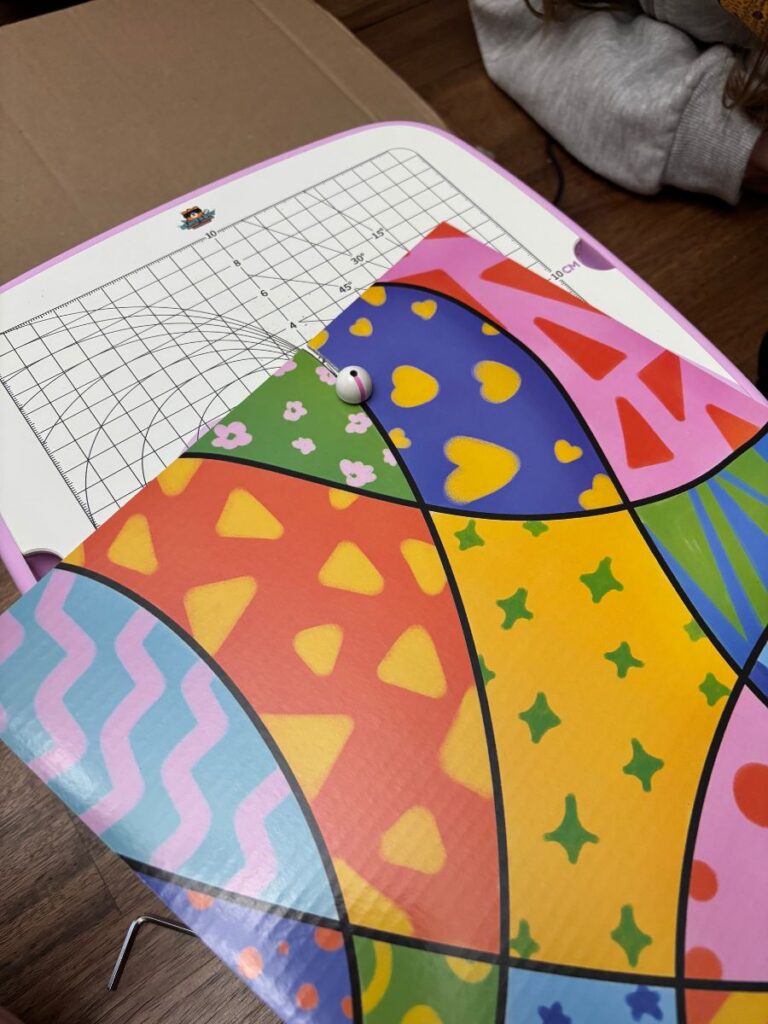
The cutting plate that goes on top of both has a grid as well as circular lines to help with measurements while cutting and making sure that your lines are straight, circular, etc, if needed.
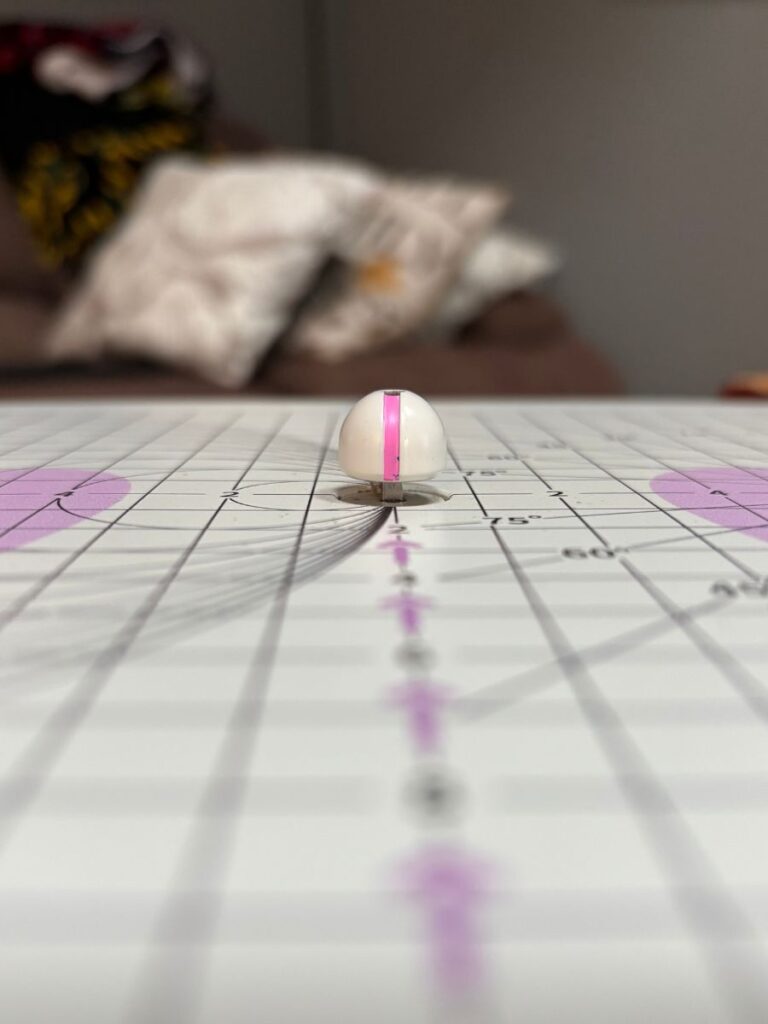
Both versions of the beaver bot have a small circular cover in the middle of the beaverbot surface where the blade is hiding underneath. Children and adults cannot remove the plastic cover piece, and it comes down in a way that makes it safe, so no fingers can get cut in the process of cutting cardboard. This makes it kid-safe for all ages.
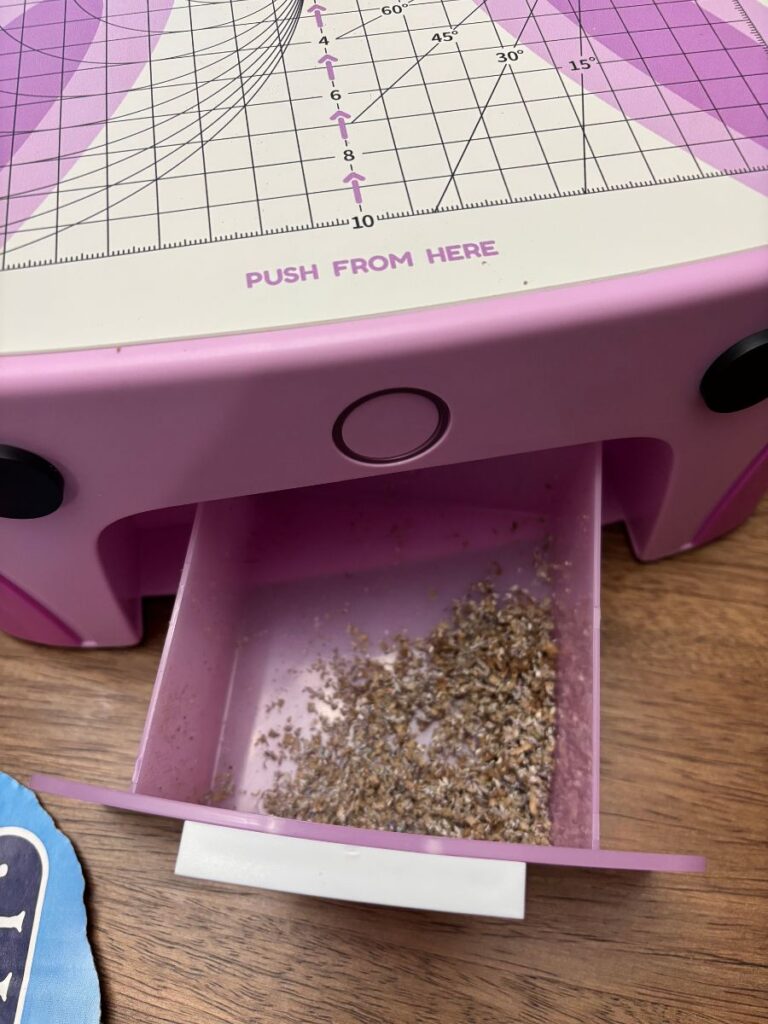
Each Beaver bot has a storage drawer underneath the machine that the cardboard scraps automatically fall into while cutting. This prevents big messes. Simply pull out the drawer and dump it into the garbage once done using the machine.
Both versions of the Beaverbot have push-button starts on the nose, and the newer C2 version also has a speed switch to adjust the machine from slow to fast. Each beaverbot comes with a storage section in the middle in which you can store the included tools and the charger.
The Beaverbots both come with a cardboard scoring knife (kid safe) as well as a cardboard drill for making holes (also kid safe). They also come with various Allen wrenches to make adjustments if necessary.
The Beaverbot can safely cut through many different kinds of material, including cardboard, cardstock, craft foam, felt, thin fabric, and more. It will cut through material of up to 3mm on its own or 5mm if you purchase the extra procut blade (however, this one is only recommended for ages 12+).
You are also able to purchase various additions to go with your Beaverbot for more crafting fun (see below for additional offerings).
Setting Up Your Beaverbot
The Beaverbot is super simple to set up. Simply plug in the desired charger and push the button to start. There is no connected app or other technology needed, and it is as simple as the push of a button. For the C2 choose which speed you want to cut with and begin crafting.
What Accessories Are Available for the Beaverbot?
There are tons of options for Beaverbot accessories available on their site to help craft even cooler projects. Some of the fun accessory options include:
- Beaverbot Procut – an extra cutting head that allows you to cut thicker boxes and materials – up to 5mm instead of 3mm (recommended for ages 12+ as it isn’t quite as safe for younger hands).
- Paper Cutter Accessories Kit – Includes different options to help you cut your lines straighter or your circles rounder.
- Beav Bits Kits – Includes different buttons and hinges that help connect cardboard pieces together. Also includes special tools needed to help do and undo these buttons and hinges. Many different options for Beav Bits kits/packs.
- **These are super cool and make things more sustainable. However, you can also choose to connect your projects together with tape or hot glue as well. All are great options.
- Beavart Acrylic Markers – Special markers that produce bright colors on cardboard for decorating your projects.
- PDF Projects – Purchase and print out PDFs that guide you through making different Beaverbot specific projects.
- Premade craft kits and sheets of cardboard – Find tons of craft kits for fun projects with tutorials, other included materials, pre-cut cardboard sheets, and more.
What is the Cost of a Beaverbot?
The original C1 Beaverbot machine costs $269, and the C2 Beaverbot machine costs $299 on their official website. However, they often run sales on their site and offer anywhere from $20 to 20% off. You can also find and purchase Beaverbots C1 and C2 on Amazon.
There are also options to purchase a Beaverbot on their website in a bundle, and sometimes these can be the best deals (depending on their sales). With the bundle,s you can get some of the accessories and tools as well as project directions included for a discounted price.
Beaverbot Pros & Cons
Pros
- Encourages Creativity
- Screen-Free fun
- Perfect for crafty families, kids, art classes, and schools
- Allows you to make endless crafts and projects from cardboard and different materials.
- Safe cutting blade perfect for kids of all ages (recommended ages 4+)
- Comes in three different style options
- Cuts through materials up to 3mm
- Made of durable & sustainable materials
- Built in safety mechanism
- Makes smooth and clean cuts
- Can cut through all sorts of materials
- ie cardboard, cardstock, thin fabrics, felt, etc…
- Easy push button start
- Only setup required includes plugging it in
- Drawer underneath for catching mess and easy clean up
- Two speed options (C2 only)
- Tons of accessory options can be purchased separately
- Encourages sustainability by reusing cardboard AND Beaverbot will plant one tree for every $100 spent on their site
Cons
- Cannot cut all cardboard – Only material up to 3mm without the procut option.
- *We found about 3/4 of our boxes to be thin enough to cut through. When there were double layer cardboard boxes they couldn’t be cut through
- Price point is pretty high for both the C1 and C2 machines, at anywhere from $219-$299, with accessories costing extra. Be sure to look for sales.
- Procut accessory option isn’t as little kid safe (recommended for ages 12+)
- Have to purchase accessories separately
- It can be difficult to make straight lines for younger children who don’t know how to follow a grid. (but the separately sold tools can help a lot with this.)
- Directions don’t include free tutorials for different projects to get you started. You are able to find ideas for crafts on their site and Instagram. You can also purchase craft kits and tutorials on their site.
- Makes quite a bit of noise – not super loud, but can be a bit much at times
Misc Beaverbot Tips for Use
*Be sure to use the colored line on the cutting head. Feed the cardboard through in that direction and keep the colored line on where you want to cut.
*It is easiest to use a marker or crayon and draw on the cardboard where you want to cut out. Then you can line up your drawn lines with the line on the cutting head to make your projects more even and clear.
*Be sure to use the included brush to clean off your blade and make sure there are no cardboard scraps stuck inside every so often. Keep the machine turned off while cleaning it.
*In order to clean the drawer out, turn off the machine. Pull the drawer out from the bottom and dump it in the trash can. Be sure you do this every time you use the machine, as there is a line that the scraps should not go past when using.
Beaverbot Project Ideas
The Beaverbot is the perfect cardboard cutting tool for making all sorts of fun projects. Check out some of our suggestions below:
- Car Ramp
- Doll House
- Marble Maze
- Valentine’s Box
- Sensory Puzzle
- Gingerbread House
- Igloo
- Lemonade Stand
- Guitar
- Rocket Ship
- Robot
- Castle
Beaverbot Review: Final Thoughts and Opinions
Overall, we love and are super impressed with our Beaverbot cutting machine. As a family that loves crafting (previous Kindergarten teacher and Mom of 4 kids ages 7,5,3 and 0), it is an awesome addition to our crafting tools.
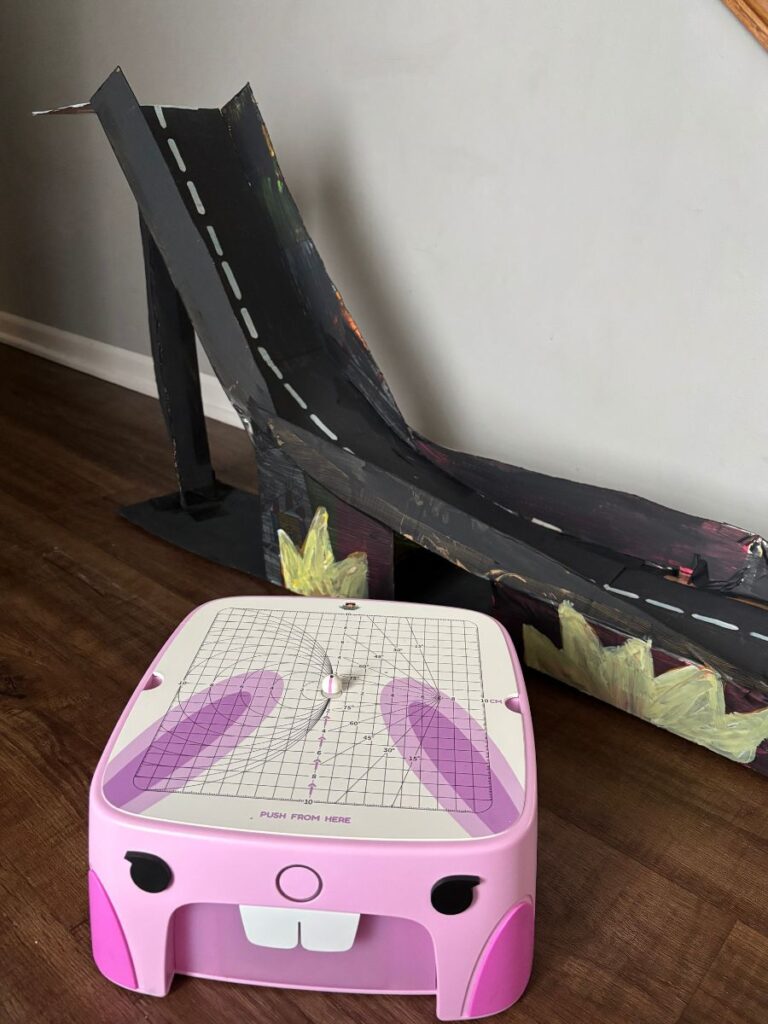
It allows for screen free creativity and can keep our kids occupied for long amounts of time. We find it is perfect for our 7 and 5 year olds to make fun crafts, and the three year old just likes to keep up with the others and cut scraps. We’ve used it to make things like simple 2D shapes such as hearts and squares, a doll house, a bed, a car ramp, name signs, and more.
As a crafty Mom, I also find it is great for things like making Valentine’s Day boxes (a common request once your kids hit school age), cardboard sensory puzzles, breaking down big boxes to fit in the recycling bin, spending quality time making crafts alongside my children, and more.
If you come from a crafty family, are an early childhood or art teacher, are a homeschooling family, work at a makerspace in a library or school, and more, I would highly recommend this product. It is on the pricier side, but if you are someone who thinks they might have a use for a product like this, then it is worth the price.
The Beaverbot would make a great birthday or Christmas gift or end-of-the-year teacher gift (for those who really love to splurge and can afford to splurge on their teachers)!
To purchase a Beaverbot, head over to their website or Amazon today. Don’t forget to look/check for sales, or you can purchase through our link here, and we get commission on any purchase through our link.
If you have or own a Beaverbot, be sure to share some of your favorite project ideas with us in the comments below!
For more fun kids’ screen-free product reviews, be sure to also check out our review of the Yoto Player and Toniebox options. They make for perfect listening activities to do while you are cutting projects out with your Beaverbot!
*While the Beaverbot is a kid-safe cutting machine, it is always a good idea to supervise children at all times. It has been put through thousands of safety tests and follows strict safety principles. It has passed numerous safety tests in different countries. For more information on the safety of the Beaverbot where it pertains to children, head over to their product compliance here.